
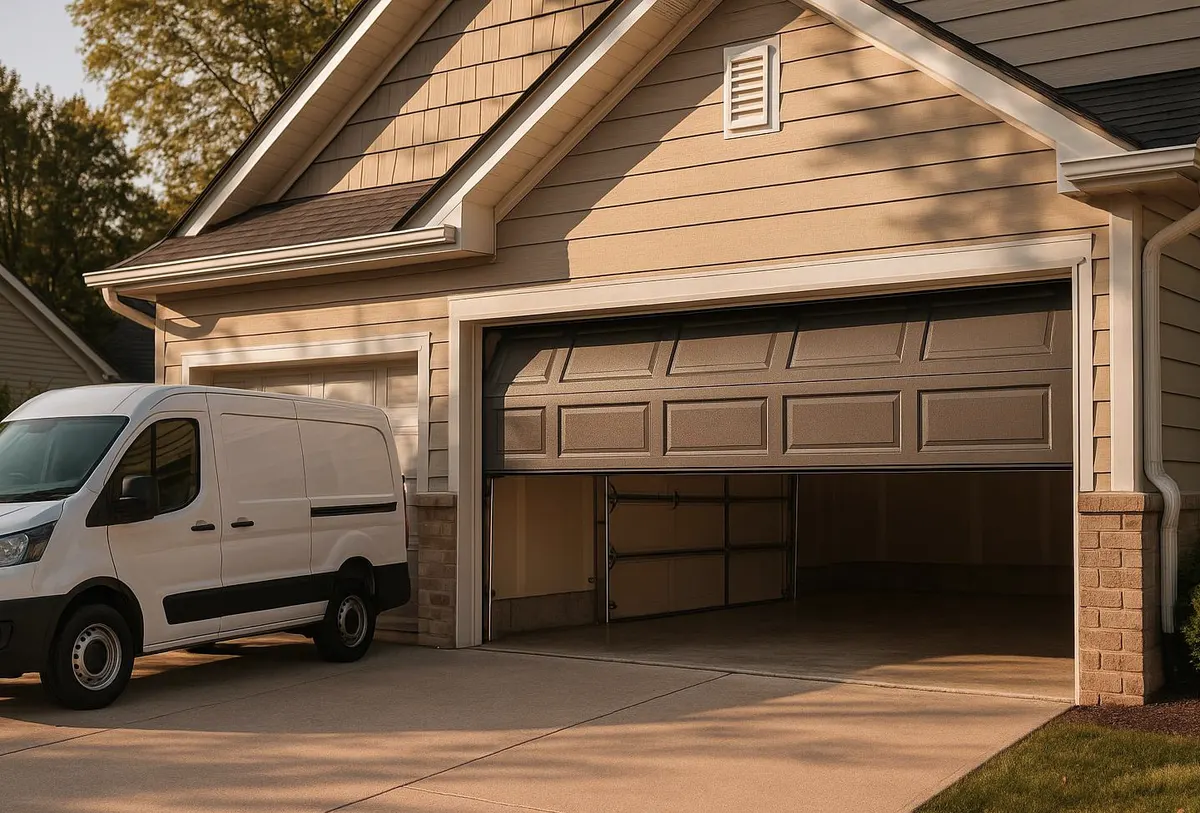
If a remote went missing, got stolen, or you just don't trust who still has the code, the fix is usually simple: clear all codes from your opener's memory and reprogram every remote and keypad from scratch. On most openers made in the last 20 years, this takes about 15 minutes with the Learn button and no technician visit. Here's exactly how to do it, plus where the job stops being a homeowner task.
Tools You'll Need
- A stepladder (most Learn buttons are on the motor unit near the garage ceiling)
- Flashlight
- Fresh batteries for the remote and/or keypad (9V or coin cell, depending on model)
- Owner's manual or the opener's model number, usually printed on a sticker on the motor housing
Step-by-Step: Reprogram a Remote
- Find the Learn or Smart button on the motor unit, usually near the antenna wire. It's color-coded purple, orange, yellow, or green depending on brand.
- Press and release it once. A small LED near the button will light up for about 30 seconds.
- Within that window, press and hold the button on the remote you want to add until the opener's light blinks or the motor clicks once.
- Test the remote from a few car-lengths away, and again from near the street, since trees, parked trucks, or icy weather can weaken the signal path.
- Repeat for each additional remote or visor clicker.
Step-by-Step: Change a Keypad Code
- Press the Learn button on the motor unit the same way as above.
- Within 30 seconds, punch in a new 4-digit PIN on the outdoor keypad and press Enter.
- Test the new code before you walk away from the garage.
After a Lost or Stolen Remote: Do This, Not Just a Reprogram
- Clear every code first. Hold the Learn button for 6–10 seconds until the LED blinks, which wipes all stored remotes and keypad codes. Then reprogram each one you want to keep. Adding a new remote without clearing old ones means the lost remote still opens your door.
- Change the keypad PIN too, even if the keypad wasn't what was lost.
- Reprogram any vehicle-integrated opener button (like HomeLink), since those count as a separate stored code.
- If your opener predates rolling-code technology and uses physical dip switches instead of a Learn button, a lost remote is a bigger risk since codes can't be easily rotated. That's a sign it's time to upgrade.
- Do a quick visual check of the door, track, and keypad wiring for tampering, especially if the remote went missing from a car parked outside rather than in a locked glovebox.
What a Homeowner Can Handle
Standard Learn-button programming, clearing stored codes, changing a keypad PIN, and swapping batteries are all safe DIY jobs on a working opener.
When It Needs a Technician
Call for help if the opener won't accept new programming at all, if the keypad buttons feel sticky or corroded (common after a few winters of road salt spray drifting into an attached garage), or if the remote reprograms fine but the door itself won't move — that usually points to a spring or mechanical issue, not the electronics. A technician is also the right call if a spring storm or power surge seems to have scrambled the opener's logic board, or if you want to move up to a modern rolling-code or smartphone-connected system for better security.
When to Call Shirley Garage Door
If your opener won't hold a new code, the keypad has stopped responding reliably after a cold snap, or you want an upgraded opener with better security after a lost remote, that's exactly what our Garage Door Opener Repair & Installation service covers. We'll also check your opener and wiring during a standard Garage Door Maintenance visit, which is worth scheduling before Indiana's ice and salt season settles in for good.
If your remote, keypad, or opener needs a second set of eyes, give Shirley Garage Door a call — we serve Shirley, Wilkinson, Kennard, New Castle, Knightstown, Morristown, Greenfield, and Carthage, and we'll make it right.